See Claude Cowork
Work Inside Your Files
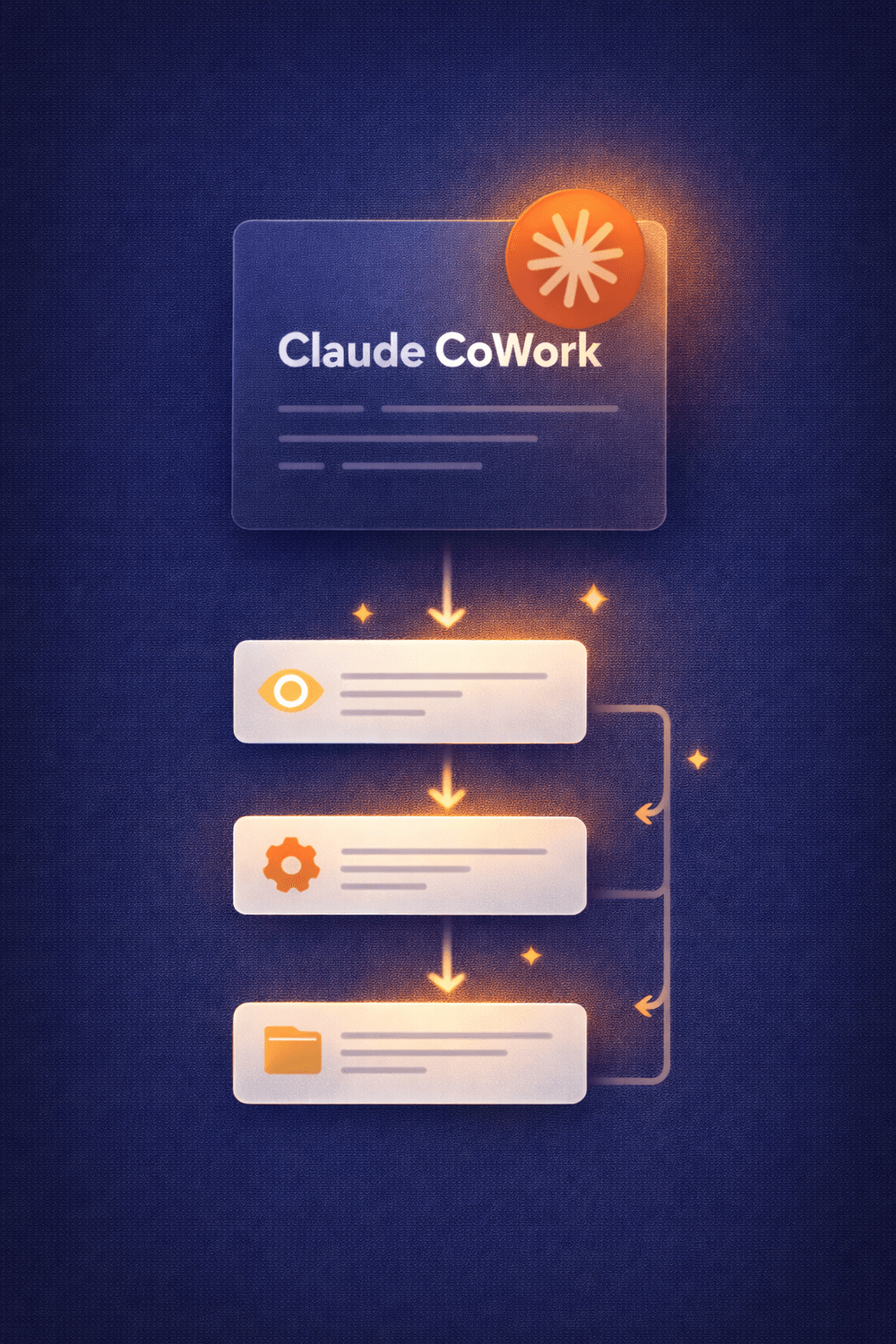
Not just chatting with Claude. Watching it open documents, read your content, create files, and run tasks directly inside your workspace. This is Claude Cowork, and it's changing the way we work.
Claude Cowork
Live Demo & Walkthrough
Thurs, April 16th · 11:00am EST
No spam. Your details are safe. Unsubscribe any time.
A completely different way
to work with Claude
Most people are still using Claude like a chatbot. Cowork lets it work like a colleague inside your actual files, on your real tasks, in your own workspace.
What Claude Cowork Actually Is
A clear, jargon-free explanation of how Claude Cowork differs from the standard Claude chat experience and why it matters for your business.
How to Set It Up
Step-by-step setup walkthrough so you leave knowing exactly how to get Claude Cowork running on your own computer quickly and easily.
How to Keep Your Files Safe
You choose exactly which folders Claude Cowork can access. We cover the safety controls in detail so you feel confident, not nervous.
Real Business Use Cases
Live demos of Claude Cowork working inside actual documents. The kind of tasks you do every day in your business, done faster.
Live Q&A
Time at the end to ask anything. Whether you are brand new to Claude Cowork or already using it daily, bring your questions.
What Comes Next
A look at how Claude Cowork fits into a broader AI strategy for your business and how to keep building from here.
Nervous About Giving
Claude Cowork Access?
The most common question I hear is: "Is it safe to let Claude Cowork into my computer?" It is a fair question and the answer is yes, when you know how to set it up correctly.
You are always in control
Claude Cowork does not get access to your entire computer. You point it at a specific folder and only that folder. Everything outside stays completely private.
In this training, we walk through the exact settings so you understand what Claude Cowork can and cannot see. By the end, you will know how to use it confidently and safely, without worrying about what you are handing over.
A lot of people have moved across to Claude recently and are curious about Claude Cowork but hesitant to explore it without guidance. Thats the reason I decided to run this training.
What you walk away with
This is a live, hands-on session, not a slide deck. You will watch Claude Cowork inside real files in real time and leave with everything you need to try it yourself the same day.
- A clear understanding of how Claude Cowork works and why it is different
- Confidence around the safety and privacy controls
- Step-by-step setup instructions you can follow immediately
- Live demonstrations of Claude Cowork inside actual documents
- Answers to your specific questions in the Q&A

Hi, I'm Gail Starr
I am an online business owner who uses AI tools every single day, not to experiment, but to actually run and grow my business. I have been through the overwhelm, the tool-hopping, and the "this is amazing but I have no idea what I am doing" phase.
Inside AI Business Builders, I teach business owners exactly which tools to use and how to use them, cutting through the noise so you can get things done faster and show up more consistently.
Claude Cowork is one of the most exciting updates I have seen in a long time. This training is my way of making sure you do not miss it.
Ready to see how Claude Cowork
actually works?
Join me on April 16th at 11am EST for a live walkthrough of Claude Cowork. Free to attend. Bring your questions.
Claude Cowork
Live Demo & Walkthrough
Thursday, April 16th · 11:00am EST
No spam. Your details are safe. Unsubscribe any time.